Change Colors
Brief
This section describes how you can change the colors of your FX Trading Station.
Details
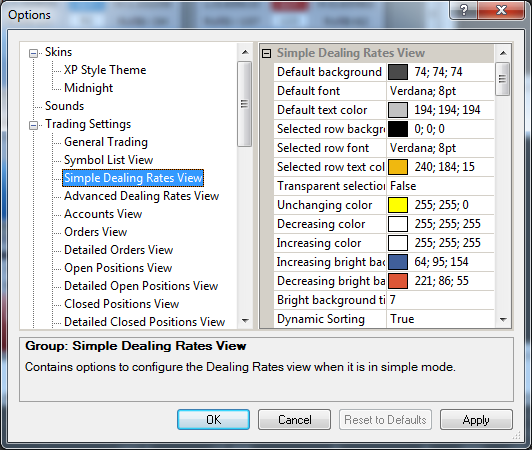
You can change the background color and text color for all TS windows separately.
Each TS window has its own list of color settings which is located in the appropriate option group.
But the way to change a color setting is same for all the windows.
Note: If a skin is applied to your FX Trading Station, some colors can be skin defined and therefore cannot be changed.
To change a color setting: